Qwen2.5-VL-7B如何从输入到输出-代码解析(chat_template解析)
本文深入解析了Qwen2.5-VL模型的chat_template处理机制,通过代码追踪揭示了从输入消息到格式化文本的转换过程。文章首先展示正常调用时如何通过processor.apply_chat_template()处理包含图片和文本的混合消息,然后层层深入分析了transformers库中的实现路径,最终定位到通过jinja2模板渲染的核心逻辑。作者还提供了伪代码形式的模板结构说明,详细解释
·
出发点
上一篇Qwen2.5-VL-7B如何从输入到输出-代码解析(图片解析)
主要讲了图片解析,这一篇用来讲chat_template(通过message得到text)部分,一起来看一下吧
chat_template
正常调用
from transformers import Qwen2_5_VLForConditionalGeneration, AutoTokenizer, AutoProcessor
path = "/usr/downloads/Qwen/Qwen2.5-VL-7B-Instruct/"
processor = AutoProcessor.from_pretrained(path)
messages = [
    {
        "role": "user",
        "content": [
            {
                "type": "image",
                "image": "https://qianwen-res.oss-cn-beijing.aliyuncs.com/Qwen-VL/assets/demo.jpeg",
            },
            {"type": "text", "text": "Describe this image."},
        ],
    }
]
# Preparation for inference
text = processor.apply_chat_template(
    messages, tokenize=False, add_generation_prompt=True
)
# '<|im_start|>system\nYou are a helpful assistant.<|im_end|>\n<|im_start|>user\n<|vision_start|><|image_pad|><|vision_end|>Describe this image.<|im_end|>\n'
加载方式入口
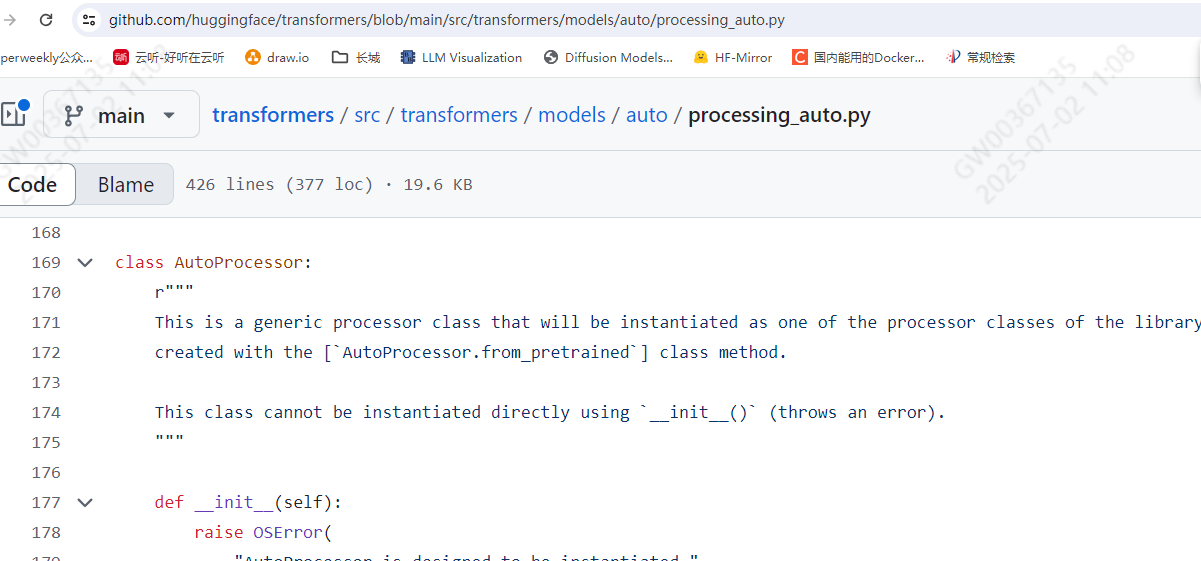
当加载模型以后,真实处理的位置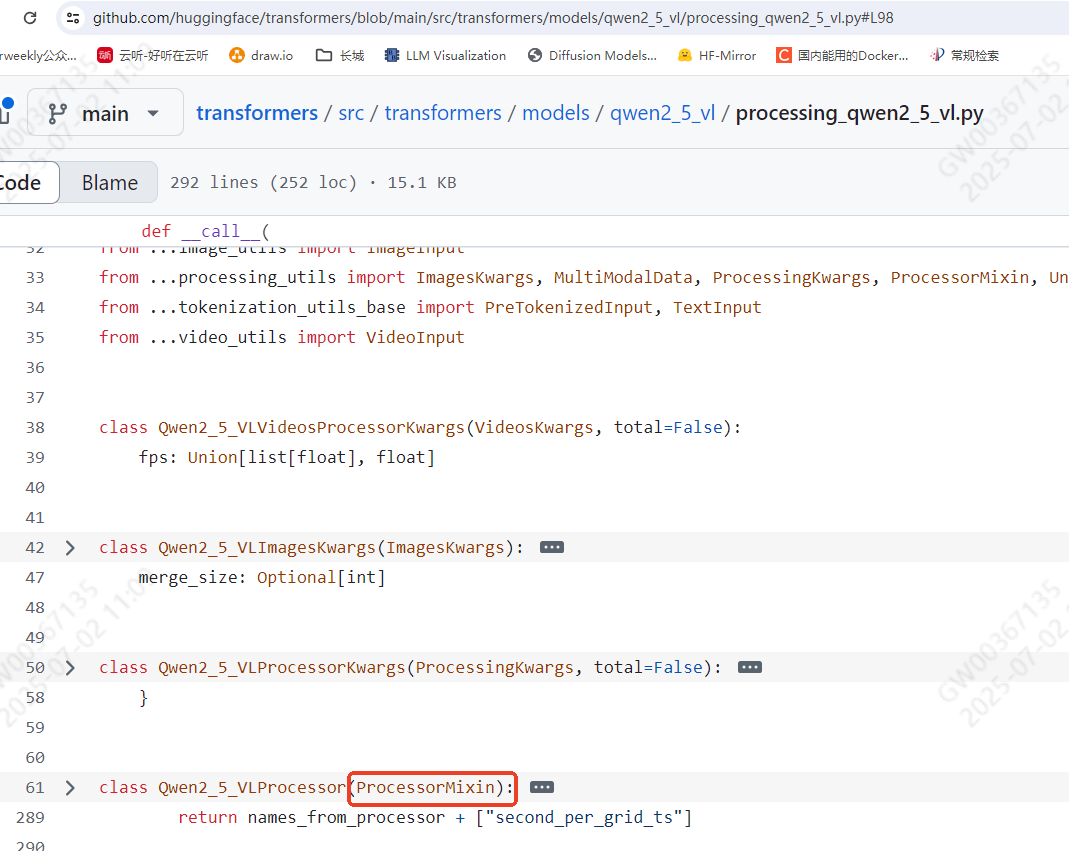
然后就可以从ProcessorMixin找到apply_chat_template了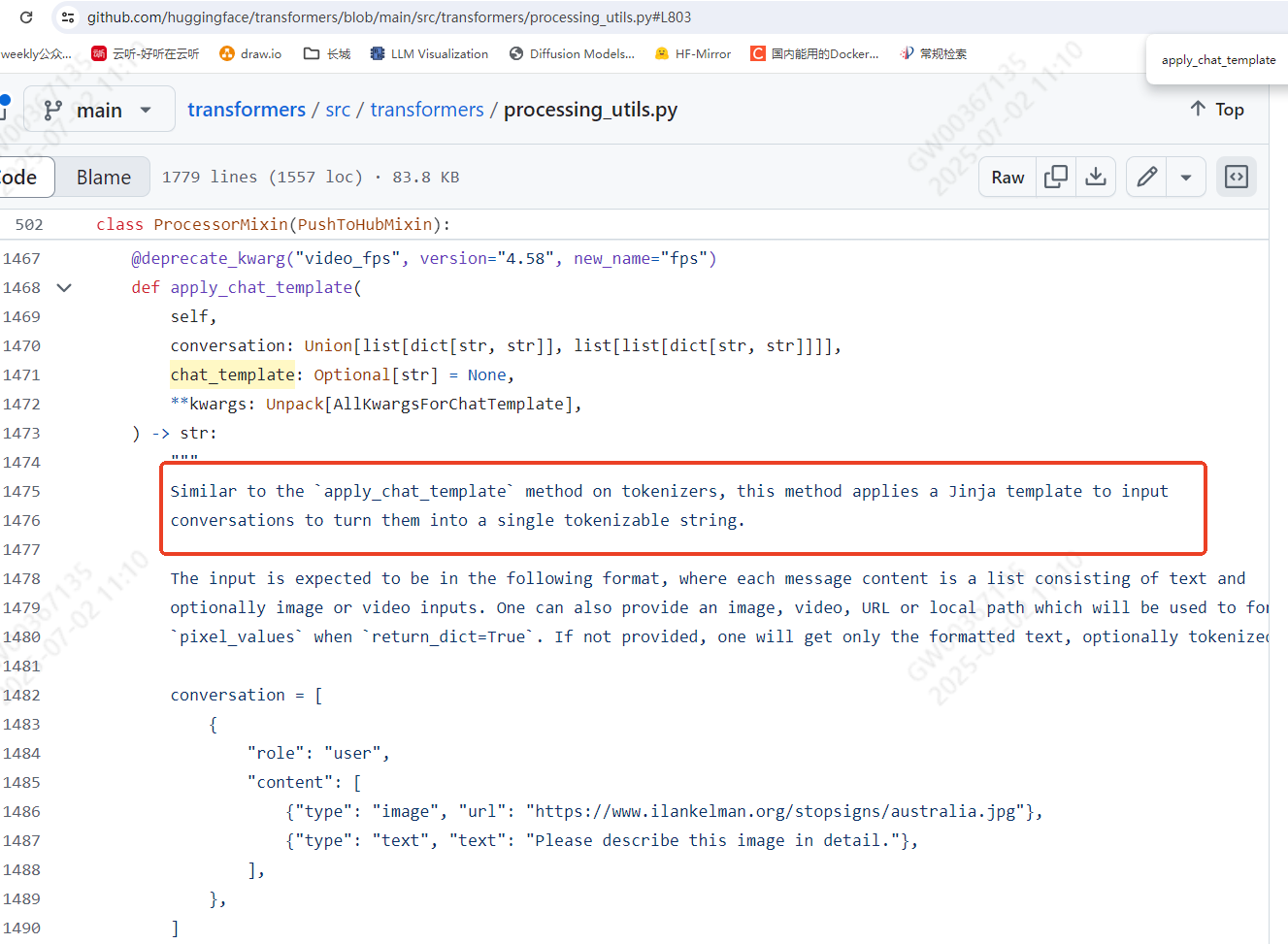
再深扒发现,是通过调用render_jinja_template实现的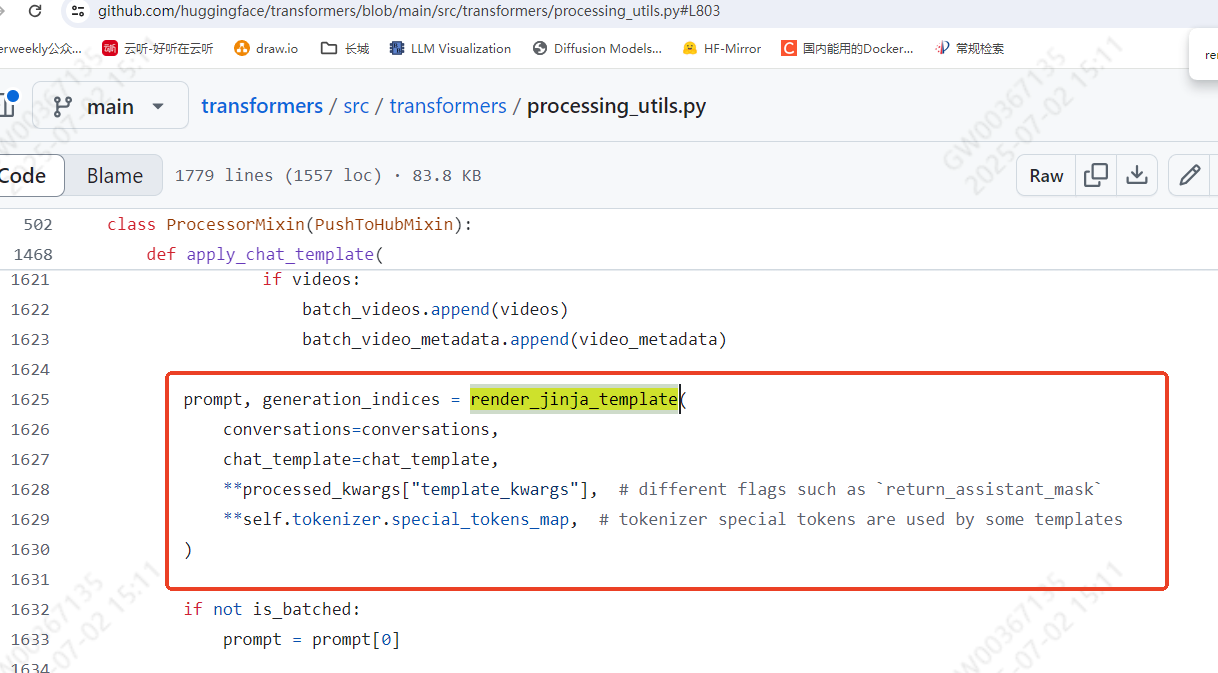
终于要翻到最后一层了
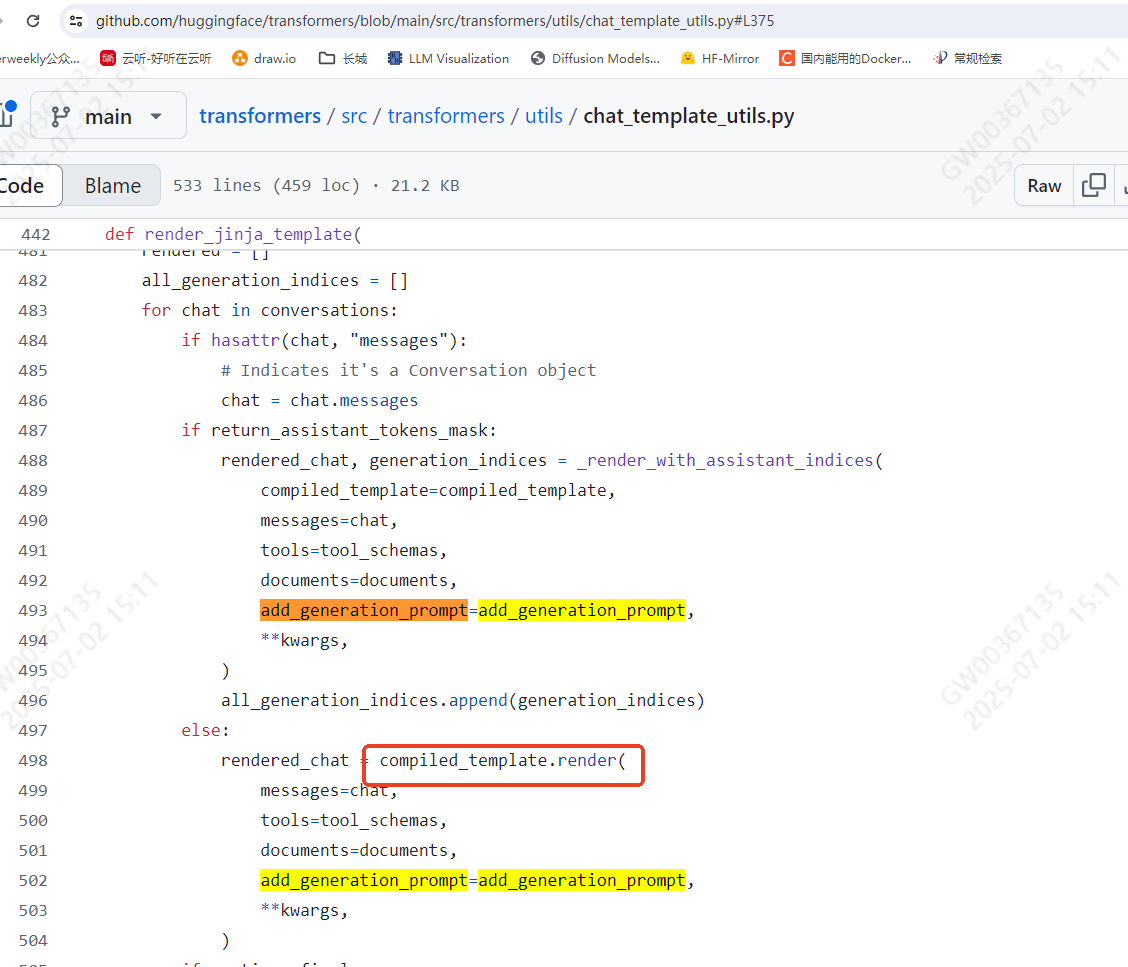
看看能不能通过找到的方法去具体实现一下??
from jinja2 import Template
template = Template(processor.chat_template)
output = template.render(messages=messages, add_generation_prompt=True)
output == text
# True
chat_template
这个是jinja格式的字符串,我把它按照伪代码的方式处理了一下,方便查看其中的逻辑
{% set image_count = namespace(value=0) %}
{% set video_count = namespace(value=0) %}
{% for message in messages %}
    {% if loop.first and message['role'] != 'system' %}
        <|im_start|>system\nYou are a helpful assistant.<|im_end|>\n
    {% endif %}
    <|im_start|>{{ message['role'] }}\n
    {% if message['content'] is string %}
        {{ message['content'] }}
        <|im_end|>\n
    {% else %}
        {% for content in message['content'] %}
            {% if content['type'] == 'image' or 'image' in content or 'image_url' in content %}
                {% set image_count.value = image_count.value + 1 %}
                {% if add_vision_id %}
                    Picture {{ image_count.value }}:
                {% endif %}
                <|vision_start|><|image_pad|><|vision_end|>
            {% elif content['type'] == 'video' or 'video' in content %}
                {% set video_count.value = video_count.value + 1 %}
                {% if add_vision_id %}
                    Video {{ video_count.value }}:
                {% endif %}
                <|vision_start|><|video_pad|><|vision_end|>
            {% elif 'text' in content %}
                {{ content['text'] }}
            {% endif %}
        {% endfor %}
        <|im_end|>\n
    {% endif %}
{% endfor %}
{% if add_generation_prompt %}
    <|im_start|>assistant\n
{% endif %}
本质上就是处理message,遇到图片增加标识,遇到video增加标识,可以仔细读一下
总结
这一篇由message通过chat_template得到了text,主要是通过代码深扒的方式得到最底层的逻辑,这一趴结束。

火山引擎开发者社区是火山引擎打造的AI技术生态平台,聚焦Agent与大模型开发,提供豆包系列模型(图像/视频/视觉)、智能分析与会话工具,并配套评测集、动手实验室及行业案例库。社区通过技术沙龙、挑战赛等活动促进开发者成长,新用户可领50万Tokens权益,助力构建智能应用。
更多推荐

 13
13 0
0- 0


 已为社区贡献1条内容

所有评论(0)